The Button-Down Project
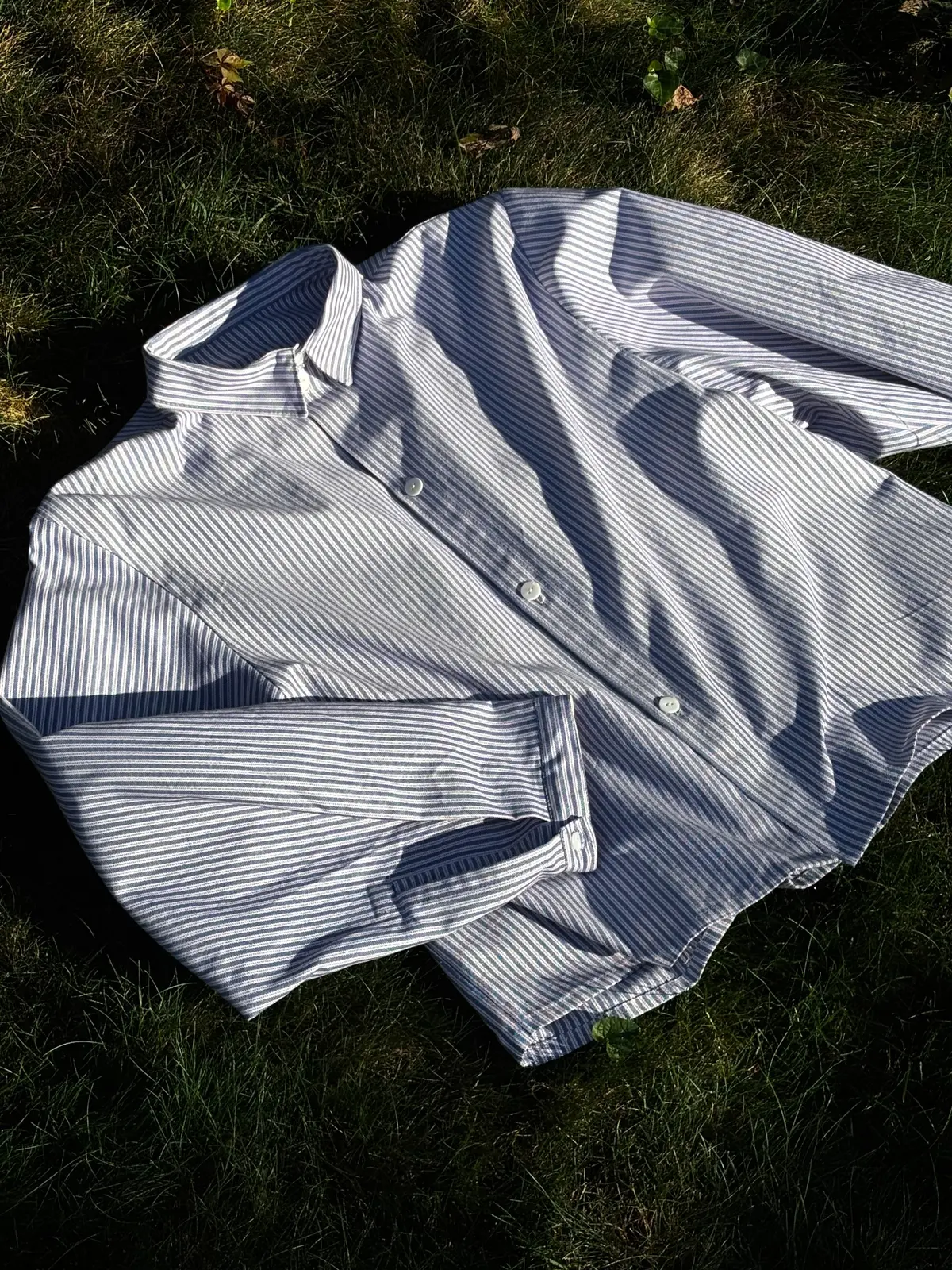
I’ve been developing this self-drafted button-down through multiple versions, making changes to the fit and paper pattern each time.
- Objective
- Create a roomy button-down with movement that does not read as completely oversized.
- My role
- Pattern drafting, sampling, fitting and construction
- Material
- Blue-and-white striped cotton shirting
- Outcome
- An ongoing self-drafted shirt pattern that I am continuing to test and refine.
I wanted to make a button-down that felt roomy without looking completely oversized.
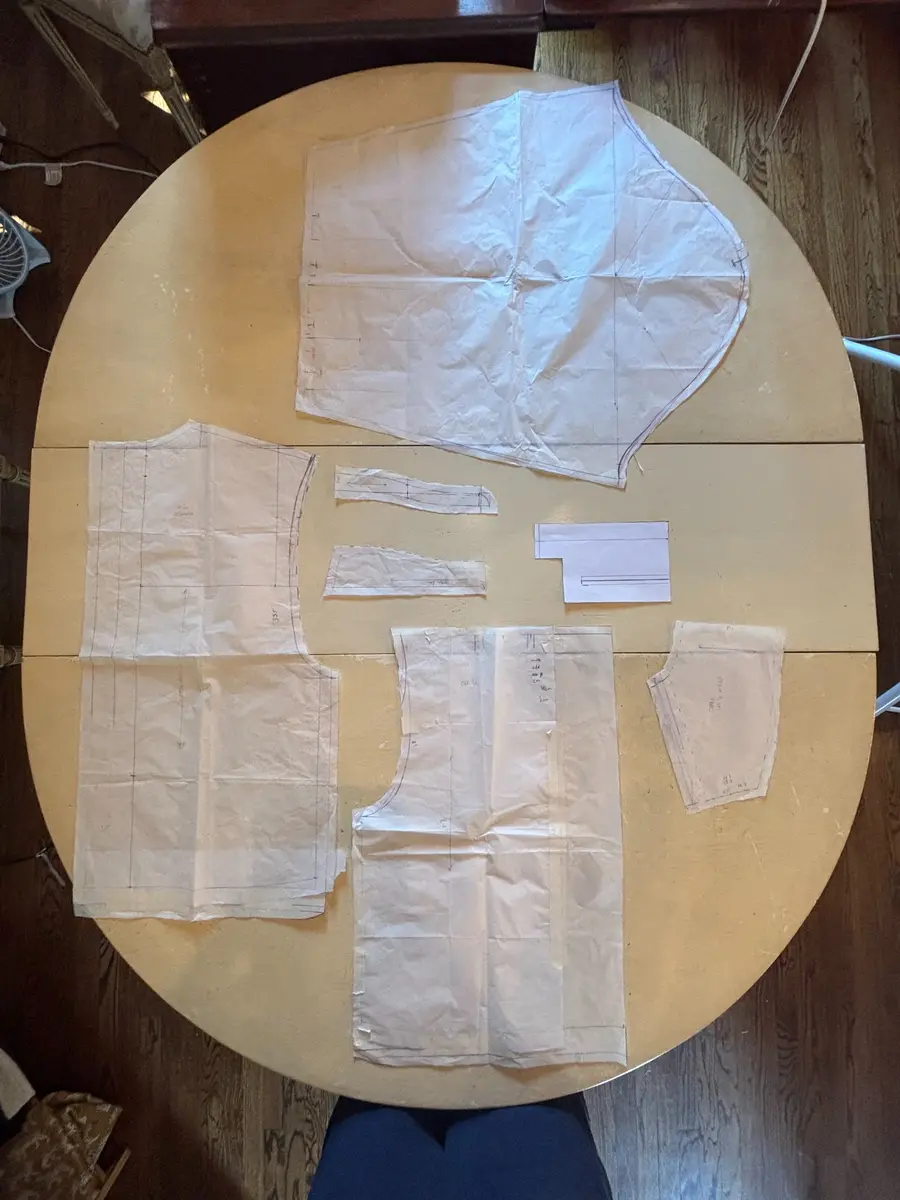
I started with a basic bodice and turned it into a shirt pattern with a yoke, placket, collar, cuffs and sleeves. Each version showed me something I wanted to change, so I went back to the paper pattern, made the adjustment and tried it again.
01
Initial pattern and mock-up
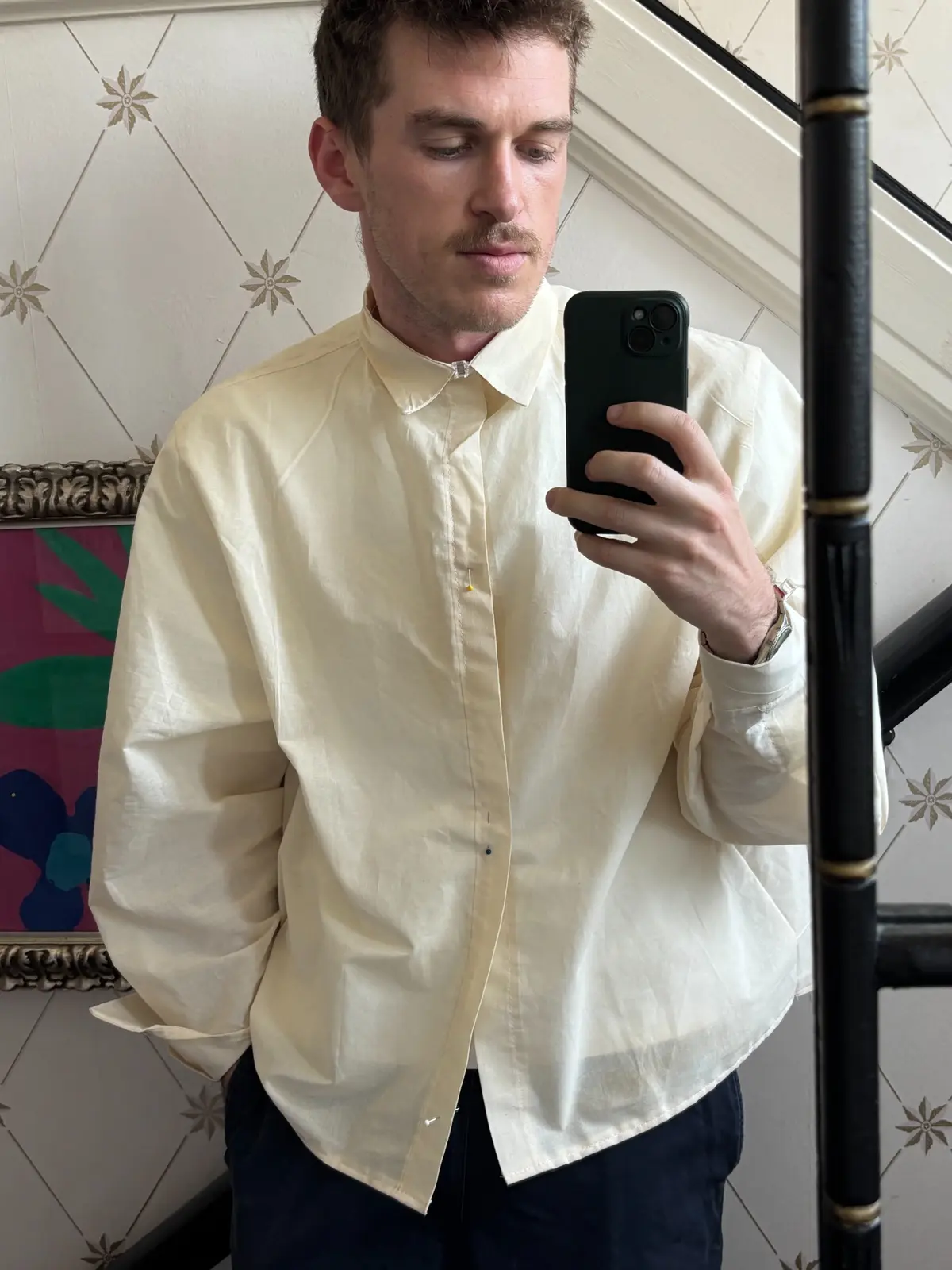
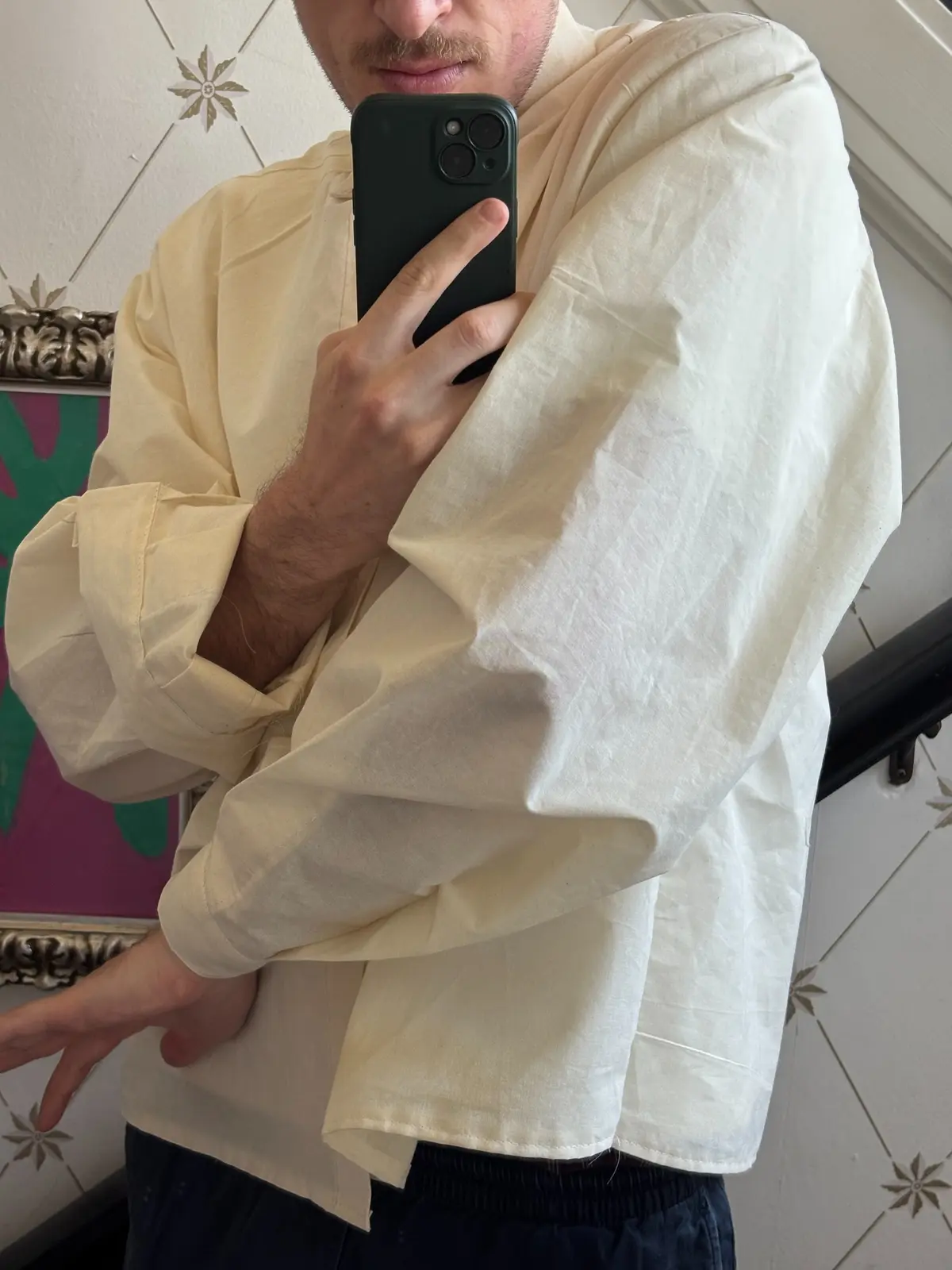
After trying on the first version, I found that the sleeves and armholes were too tight, there was not enough room across the back and the collar felt too large.
I took those problems back to the paper pattern, then cut this cream muslin to check the changes before moving on to finished fabric.
Lowered the armscye by approximately 10 cm.
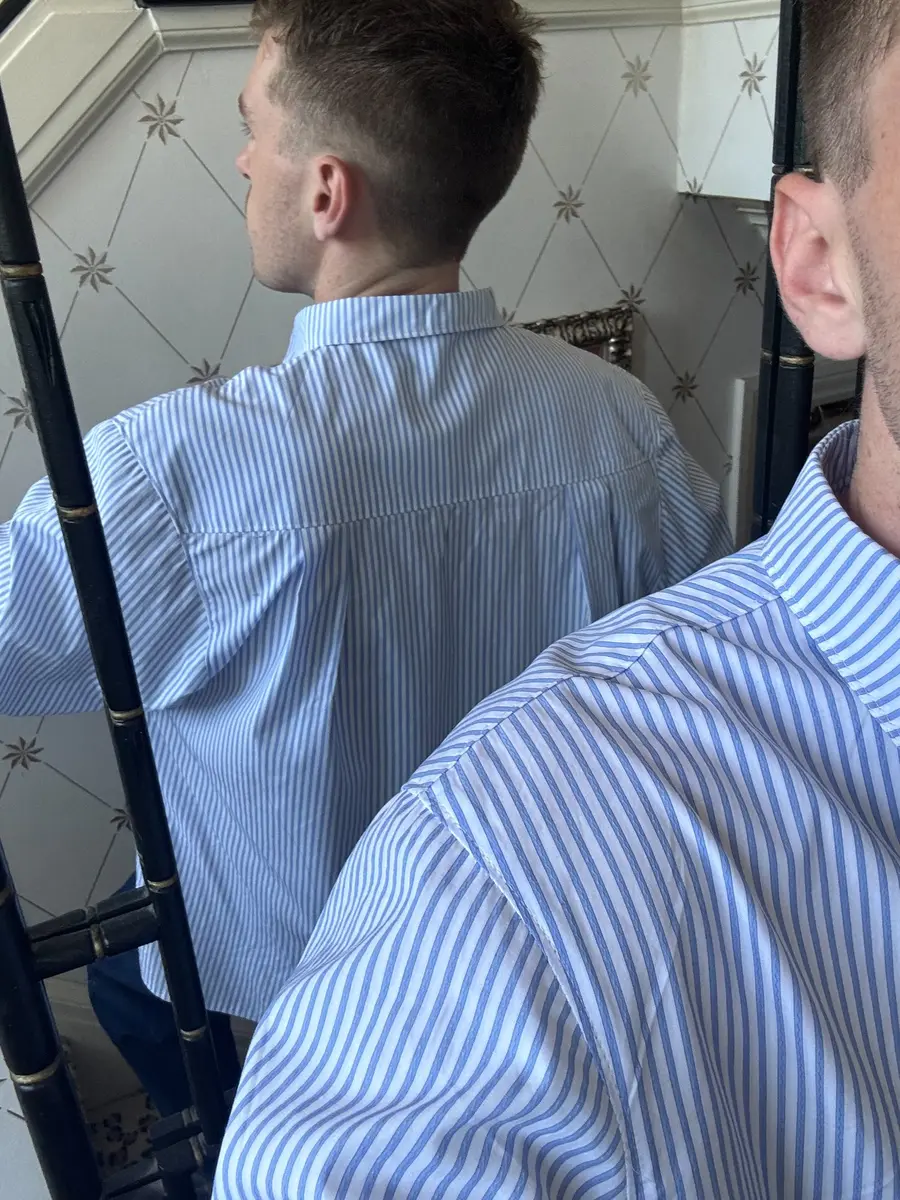
Widened the sleeve and added two deep back pleats.
Reduced the collar.
02
Iteration 01
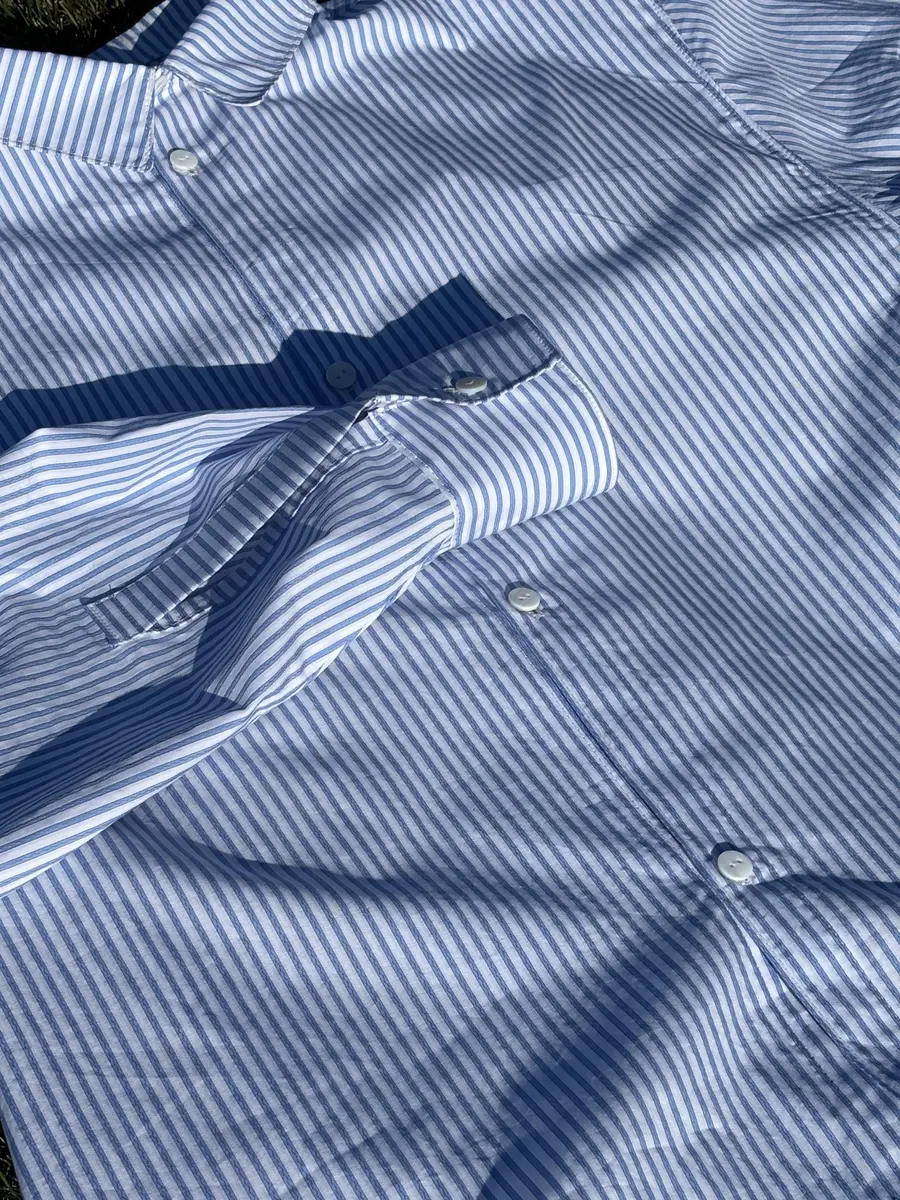
I carried the changes from the mock-up into a finished striped shirt. I controlled the extra sleeve volume at the cuff and worked all seven buttonholes by hand.
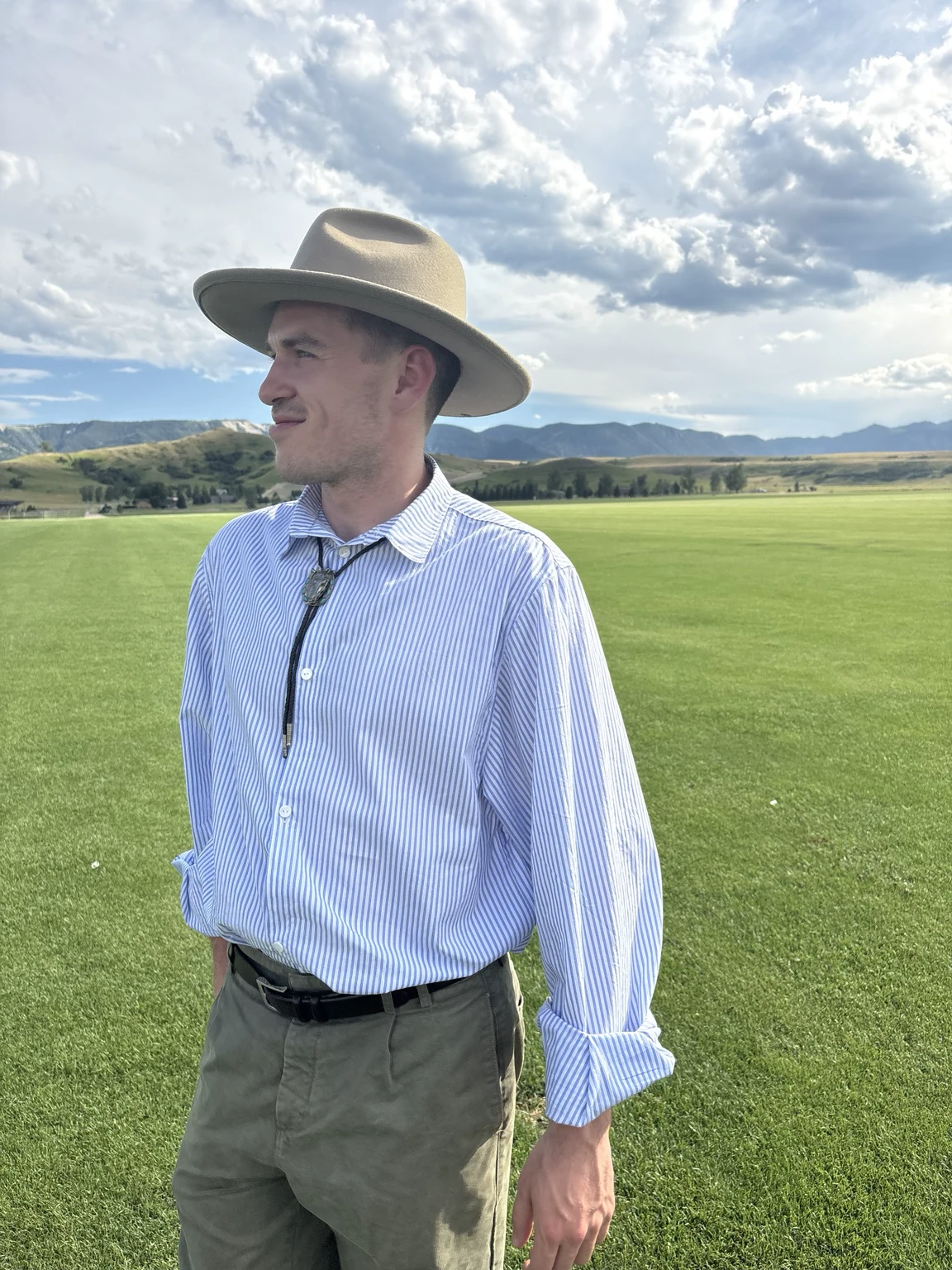
03
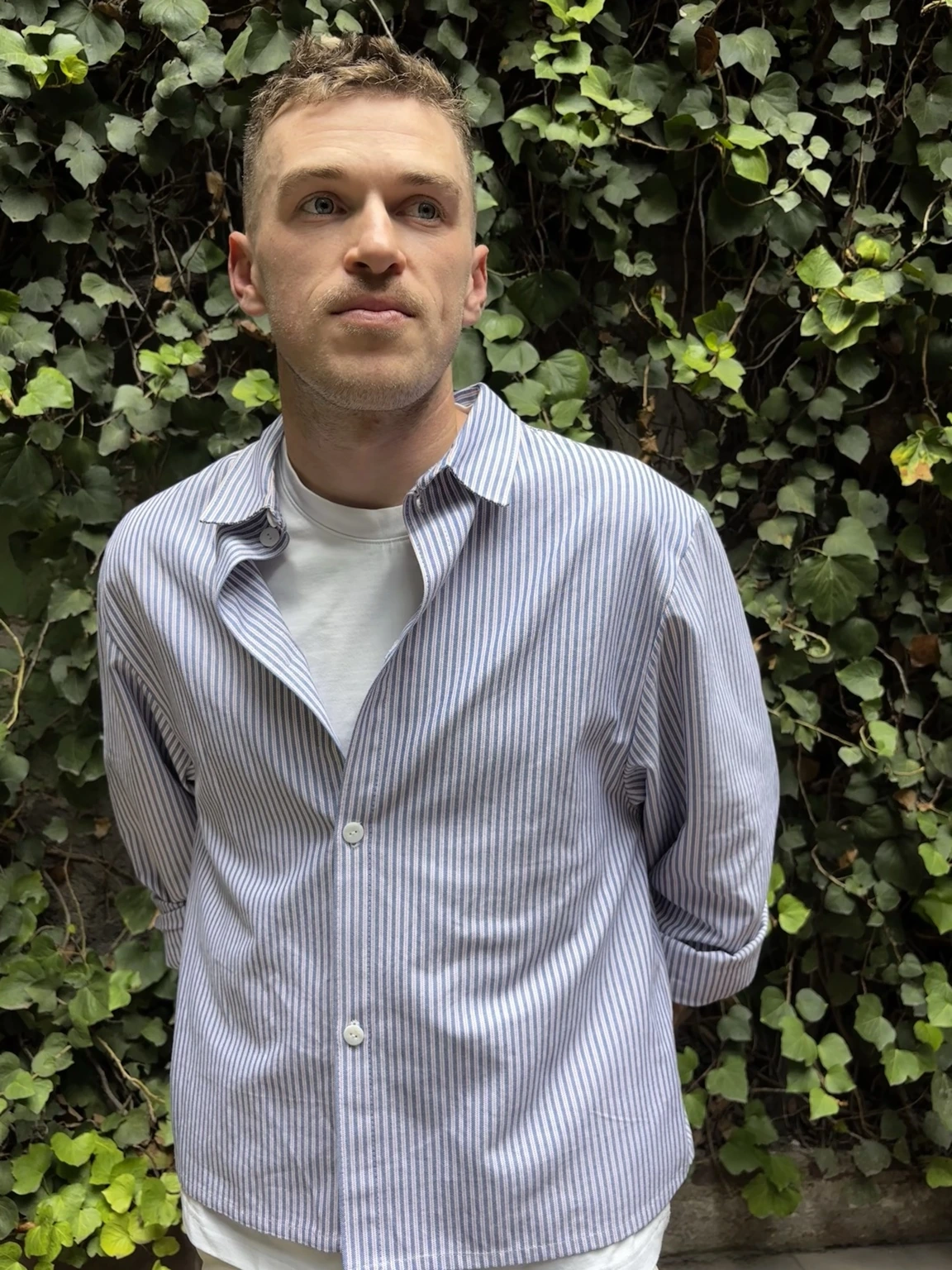
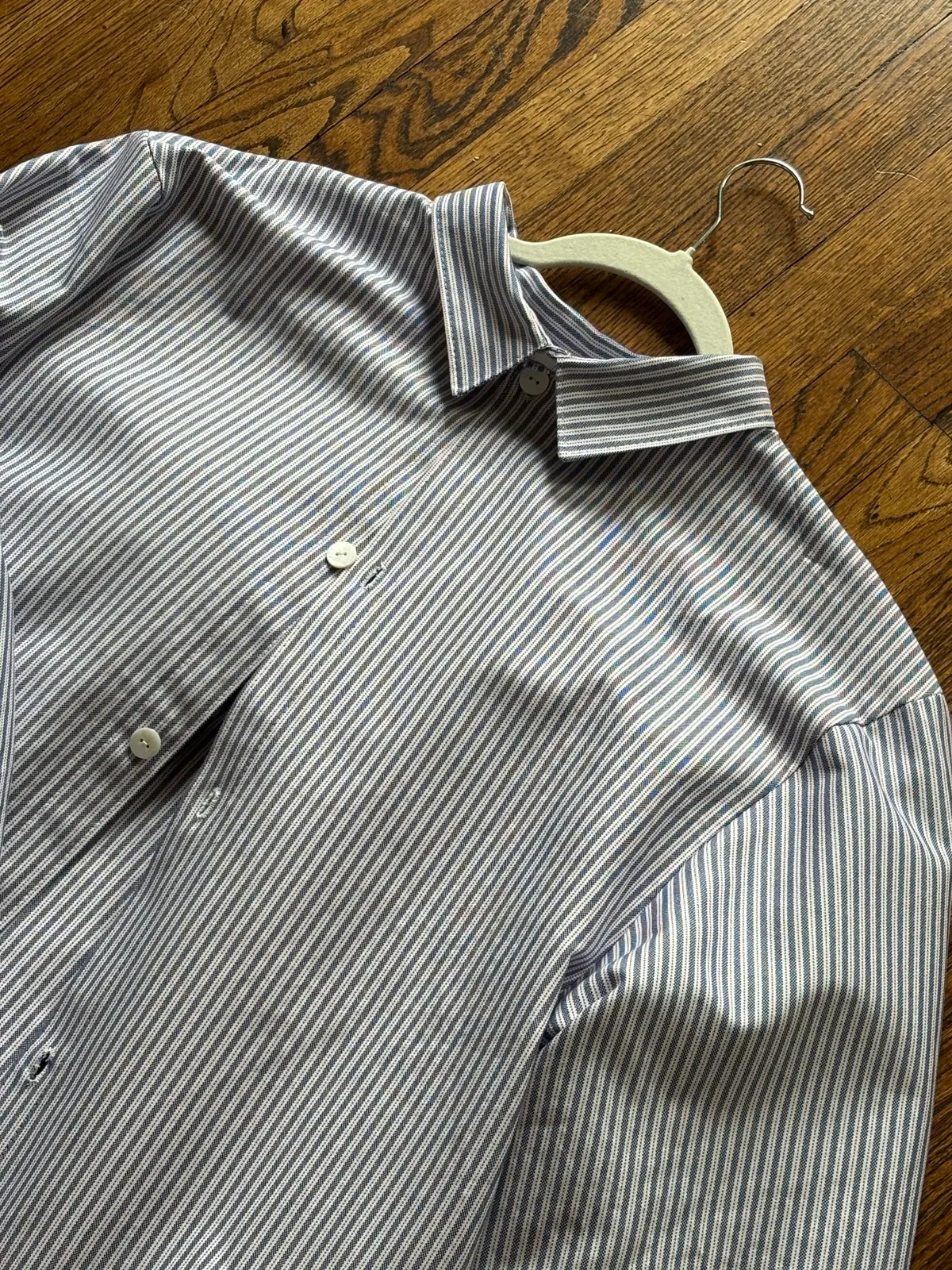
Iteration 03: Oxford
For the latest version, I used a blue-and-white striped Oxford cloth and carried those pattern changes into another finished shirt. The lower armscye and wider sleeve give it more room to move, while the smaller collar feels closer to the proportion I wanted. I am still looking at the fit and deciding what I want to change before I call the pattern finished.


04
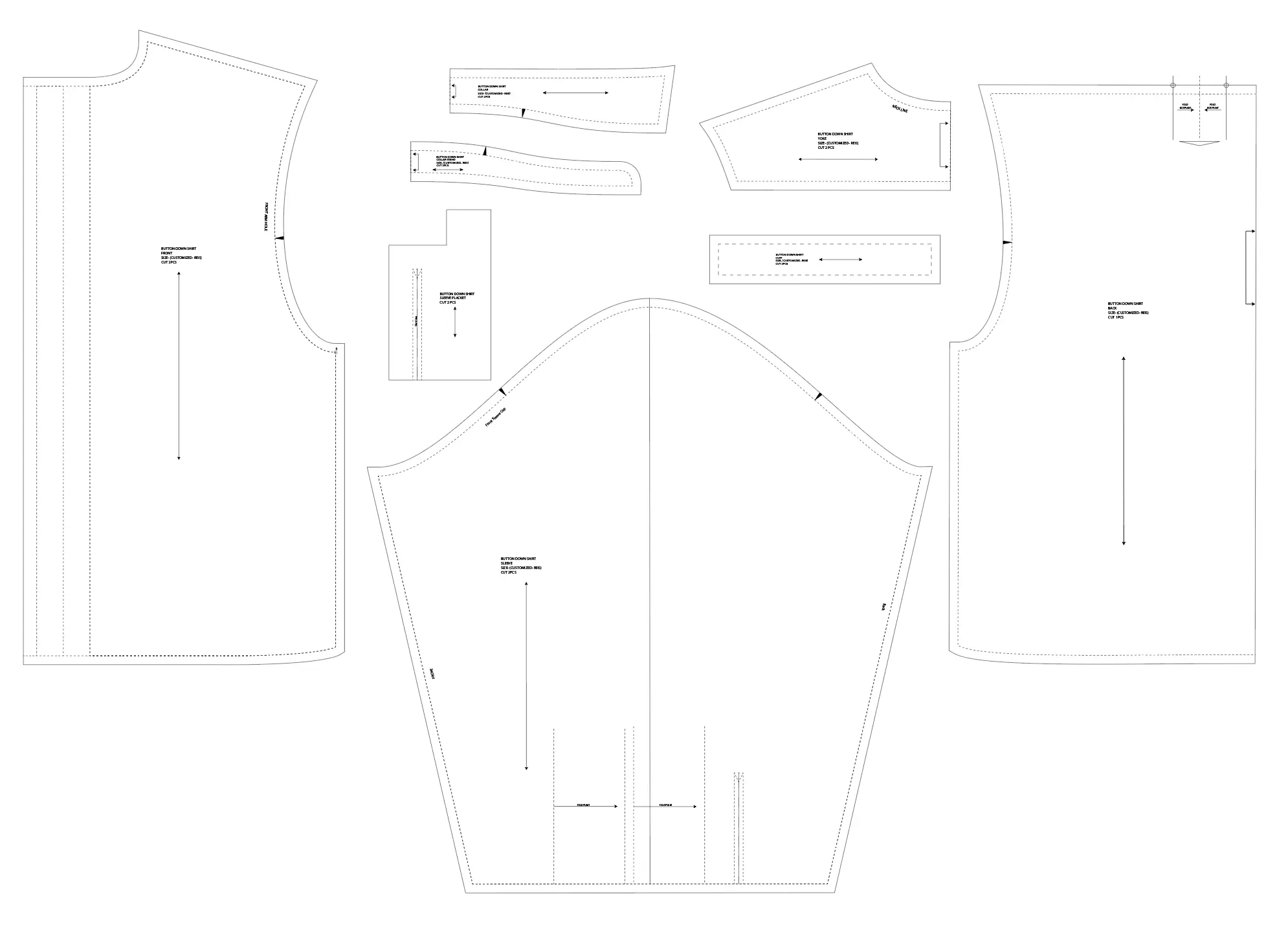
Taking the pattern digital
After drafting and testing the pattern on paper, I started learning how to bring it into Adobe Illustrator. This is the current version, drafted to my measurements and updated based on what I learned from each shirt.
I’m still working through the fit and refining the pattern as I get closer to a final version.
05
Pattern progression and comparison
Seeing the shirts next to each other makes the pattern work easier to understand. The earlier version showed me where I needed more room through the armscye, sleeve and back. The latest version carries those changes forward with a smaller collar and a shape that moves more easily.